7 Best Artbreeder Alternatives for AI Character Design in 2026
Artbreeder's gene sliders are still fun, but they can't hold a character across scenes. Seven alternatives compared on face consistency, speed and price.
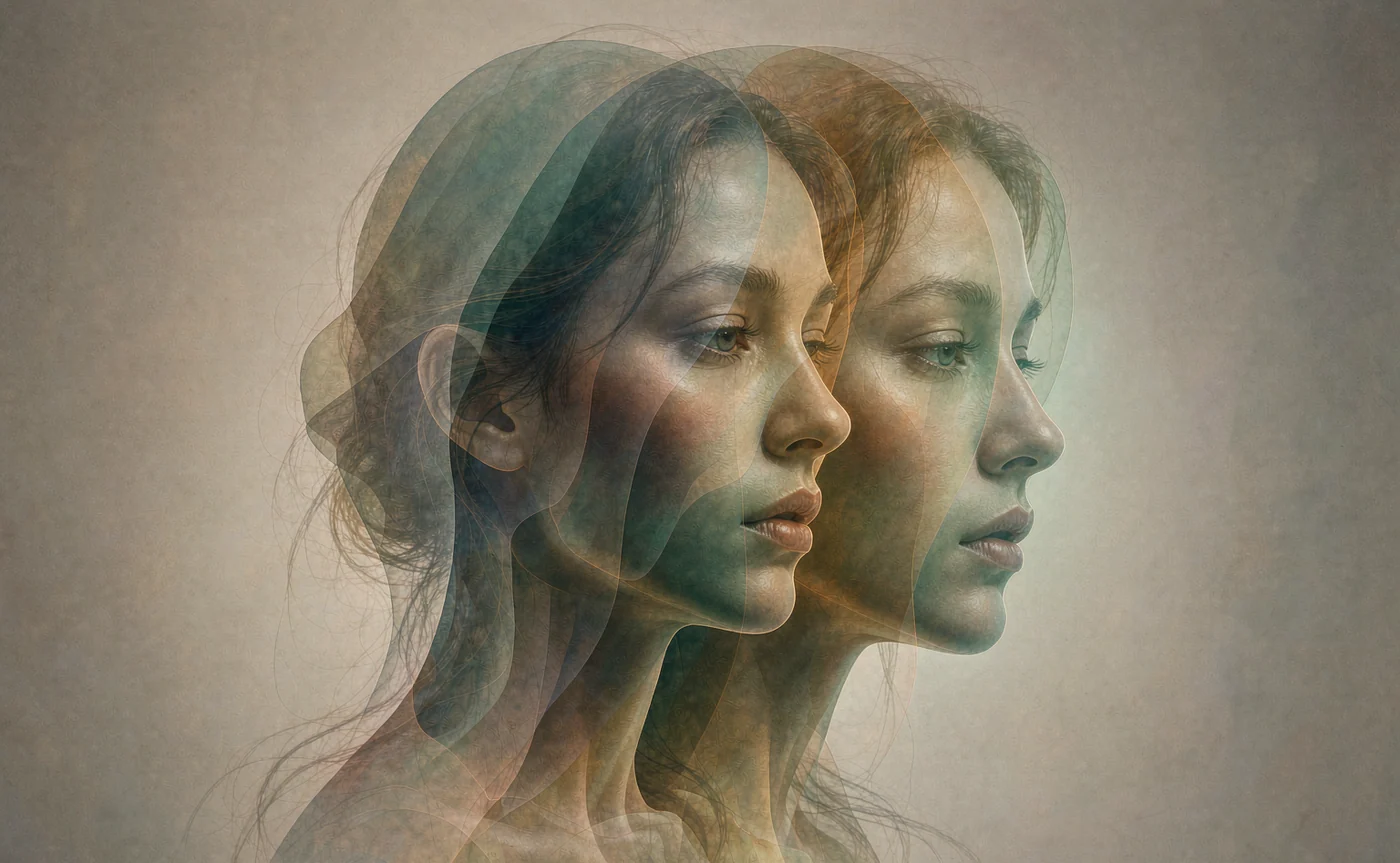
Artbreeder is still the easiest way to explore a face by feel — drag a slider, get a cousin of the last image. The problem starts when you need the same character in twelve different images and the tool has no way to remember what it just made.
That gap is why searches for an "artbreeder alternative" have kept climbing even after the platform added Prompter, Collage and Animator. Blending is a discovery tool. Production character work needs identity that survives repetition, at a resolution you can actually deliver.
This guide compares seven tools that solve that problem in different ways, and explains which one to pick depending on whether you are exploring a face or shipping one.
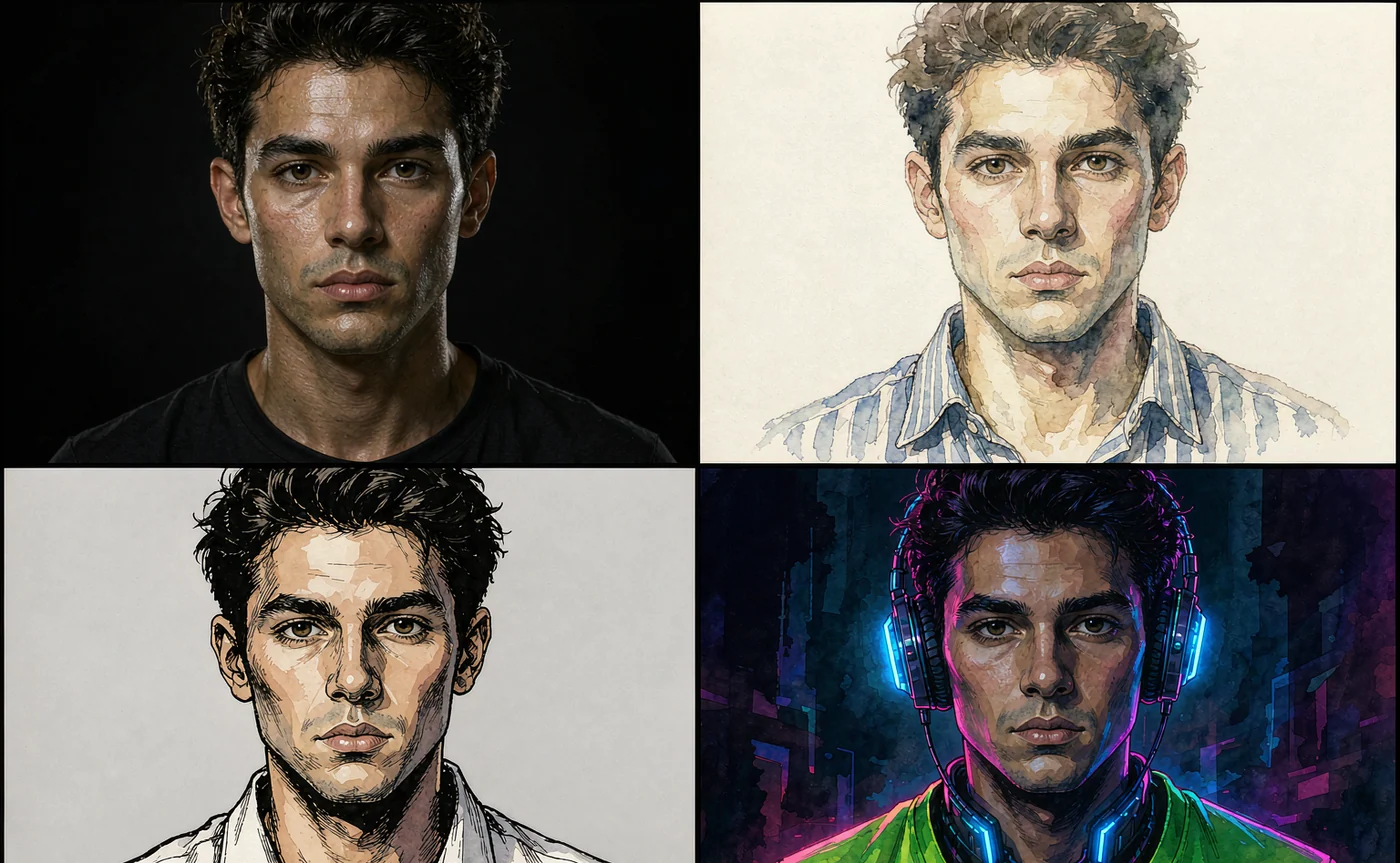
Why creators outgrow Artbreeder
Artbreeder's core mechanic is genetic blending: you pick parent images, adjust trait genes, and the system interpolates. It is genuinely good at the first hour of a character — you can find a face that feels right without writing a prompt at all.
The friction shows up in the second hour.
- Identity is memorised by you, not the tool. Every new scene means re-uploading, re-blending, and hoping the result reads as the same person. There is no persistent "this is my character" object in the workflow.
- Resolution is modest. Breeded output was designed for portraits and thumbnails. Modern models hand you 2K or 4K straight out of a single request, which matters the moment the image becomes a book cover or a print.
- Scene control is weak. Gene sliders change attributes of a subject. They cannot place that subject in "a rain-soaked alley at 2am with neon reflections", because that is a prompt-level instruction, not a trait.
- Style is constrained by the corpus. You are interpolating inside a trained image population. Pulling a character toward a specific illustration style or a specific lighting setup is fought, not requested.
None of this makes Artbreeder bad. It makes it a sketching tool. The alternatives below are the ones people move to when the sketch has to become a deliverable.
Top 7 tools for AI character creation and image blending
1. AIGenerate — the reference-first option
AIGenerate treats a character as a reference set, not a slider state. You upload between three and fourteen photos of the same face, then describe only the new situation. The model conditions on the references at generation time, so the identity carries across outfits, lighting and framing without retraining.
Two things make it a direct replacement for artistic breeding:
- Cross-scene consistency is the default, not an add-on. The AI Character Portrait Generator is a dedicated mode, not a checkbox buried in settings.
- There is no sign-up wall to test it. Anonymous visitors get three images a day, which is enough to judge whether the face holds.
The trade-off is honest: it will not invent a face for you the way a gene browser does. You bring the character; the tool keeps it. If you have no reference yet, start with text to image to find the face, then move to character mode to keep it.
Best for: writers, game artists and small studios who already know what their character looks like.
💡 Want to try this yourself?
Upload three photos of one character and render them in a new scene. Three images a day are free, and no account is required to start.
Open the character generator →2. Midjourney — the strongest pure aesthetic
Midjourney produces the most consistently beautiful images of any tool on this list. Its character reference feature takes an image URL and applies that identity to new generations.
What it does well: light, texture, composition, and a house style that flatters almost any subject. What it costs you: control. Midjourney has no free tier, the interface is Discord-or-web only, and iteration is a slot machine — you reroll and upscale rather than adjust parameters. For character sheets you need dozens of near-identical variants, which burns fast credits and, more importantly, burns time.
Best for: cover art and hero images where one striking frame matters more than consistency across twenty.
3. Stable Diffusion / SDXL with ComfyUI — the control-max option
Running SDXL locally with ComfyUI gives you every identity technique in one place: IP-Adapter FaceID for multi-reference averaging, InstantID for pose-coupled identity on SDXL, PuLID for FLUX-based pipelines, and face LoRAs when you need the identity baked into weights.
This is the most powerful path and the most expensive in hours. You are managing model families that do not mix, a dependency chain for InsightFace, VRAM limits, and a graph that breaks when a node updates. It also needs a GPU worth owning — or a rented one at roughly the cost of a subscription.
Best for: people who enjoy building the pipeline as much as using it, and who need fine-grained control over weights.
4. Leonardo AI — game-art flavoured, generous free tier
Leonardo sits between Midjourney and a raw pipeline. It ships trained style models aimed at game assets, has a character reference feature, and gives new accounts a daily free allowance rather than a hard paywall.
The inconsistency is the thing to watch. Leonardo's model lineup changes frequently, and a style that worked last quarter may render differently after an update — which is exactly the kind of drift that ruins a character sheet built over months.
Best for: indie game developers prototyping asset style before committing to a pipeline.
5. Adobe Firefly — the licensing answer
Firefly's selling point is not quality, it is provenance: it is trained on licensed and public-domain content, which makes it the safest pick for agency work with a legal review attached. Recent versions added structure and composition references.
The catch is that creative range is narrower than open models, and the credit system is tied to Adobe plans. If your client's legal team asks "where did this come from", Firefly answers the question. If your client asks for a very specific character design, you may fight the model.
Best for: commercial teams that need defensible training data more than maximum stylistic range.
6. Krea AI — realtime exploration
Krea's realtime canvas is the closest thing to Artbreeder's immediacy that exists in 2026: you draw or type and watch the render resolve live. It is excellent for mood and composition, and it has an image-reference mode for style and identity.
It is a discovery tool with better output than Artbreeder, not a character management system. There is no reference folder, no per-character settings you can return to.
Best for: concept exploration where speed of iteration beats repeatability.
7. Playground — design-tool ergonomics
Playground wraps strong models in an interface that feels like a design app: canvas, layers-ish composition, and straightforward controls. It handles mixing two references reasonably well, which is the closest analogue to Artbreeder's Splicer.
Where it falls short is character persistence. Like most general-purpose generators, each request is a fresh interpretation unless you bring the reference every time.
Best for: designers who want blending plus a usable editing surface.
Comparison table: Artbreeder vs AIGenerate
| Artbreeder | AIGenerate | |
|---|---|---|
| Core mechanic | Gene blending between parent images | Prompt + reference-image conditioning |
| Same face across scenes | Manual re-blending each time | Reference set carries identity |
| Prompt-level scene control | Limited | Full (subject, light, lens, style) |
| Max output | Modest, paid tiers for higher res | Up to 4K on the Identity tier |
| Reference images | Parent images for blending | Up to 14 per request |
| Free access | Credit allowance, standard-res downloads | 3 images/day, no account needed |
| Best at | Exploring a face | Keeping a face |
Both columns are useful. The mistake is choosing one tool for both jobs.
How to switch from Artbreeder to AIGenerate in three steps
You do not need to abandon your Artbreeder library. Breeded images make decent references if you handle them carefully.
Step 1 — Export your character at the highest resolution you have. One strong front-facing image is enough to start. If you have a three-quarter and a profile from the same lineage, bring those too; the reference set is what the model learns proportions from.
Step 2 — Build a small reference set, not a big one. Three to six images shot or rendered in similar light outperform twenty mixed ones. Image to image will blend two of them if you need to merge traits from two bloodlines before committing.
Step 3 — Stop describing the face. Once references are loaded, write prompts about the situation only: "in a tailored coat, snow on the shoulders, overcast street, 85mm". Re-describing hair colour and eye shape competes with the references and makes the result drift.
For a deeper walkthrough of the third step, the FLUX character consistency guide covers reference selection and prompt structure in detail.
FAQ
Is Artbreeder shutting down? No indication of that. It remains active with a free tier, paid credit bundles, and a large public gallery. The alternatives above are about workflow fit, not availability.
Can I keep using Artbreeder for free? Yes, within a credit allowance and with standard-resolution downloads. Higher-resolution output is gated behind paid plans.
Which alternative is closest to Artbreeder's blending? If you want the blending mechanic specifically, Krea's realtime canvas and Playground's two-reference modes are the nearest experiences. If you want the outcome — a character you can reuse — AIGenerate's reference mode is the closest.
Do I need a GPU for any of these? Only Stable Diffusion. Everything else runs in a browser, which is why most people treat local SDXL as a hobby-with-benefits rather than a default.
Can I use the output commercially? Check each tool's terms individually. AIGenerate's paid tiers produce watermark-free images and you retain usage rights under the underlying model licence; you are responsible for holding rights to any real person's photos you upload.
Conclusion
Artbreeder is a breeding ground for ideas. The seven alternatives here split into two families: tools that help you find a character (Krea, Playground, Artbreeder itself) and tools that help you keep one (AIGenerate, a ComfyUI pipeline, a trained LoRA).
If the search that brought you here was "artbreeder alternative" because your character kept mutating between images, the fix is not a better slider. It is a reference-driven workflow. Start with three photos on the AI Character Portrait Generator and see whether the face survives the second render — that single test tells you more than any comparison table.
Keep reading
Oct 28, 2026
How to Keep Character Consistency in FLUX.1: The Complete Guide
Faces drift because a seed is not an identity. Every method that actually locks a face in FLUX — PuLID, InstantID, FaceID, LoRA — and the reference workflow that needs no node graph.
Read guide
Oct 27, 2026
How Novelists Create Consistent Characters for Book Covers with AI
A recurring face sells a series. Here is the exact reference-and-prompt workflow novelists use to keep the same character on every cover, ad and chapter illustration.
Read guide
Oct 26, 2026
The Ultimate AI OC Maker Guide: Design Original Anime Characters in Seconds
Design an original anime character without drawing skills — concept, prompt recipe, five worked examples with settings, and how to keep the same face across outfits and angles.
Read guide