How Novelists Create Consistent Characters for Book Covers with AI
A recurring face sells a series. Here is the exact reference-and-prompt workflow novelists use to keep the same character on every cover, ad and chapter illustration.
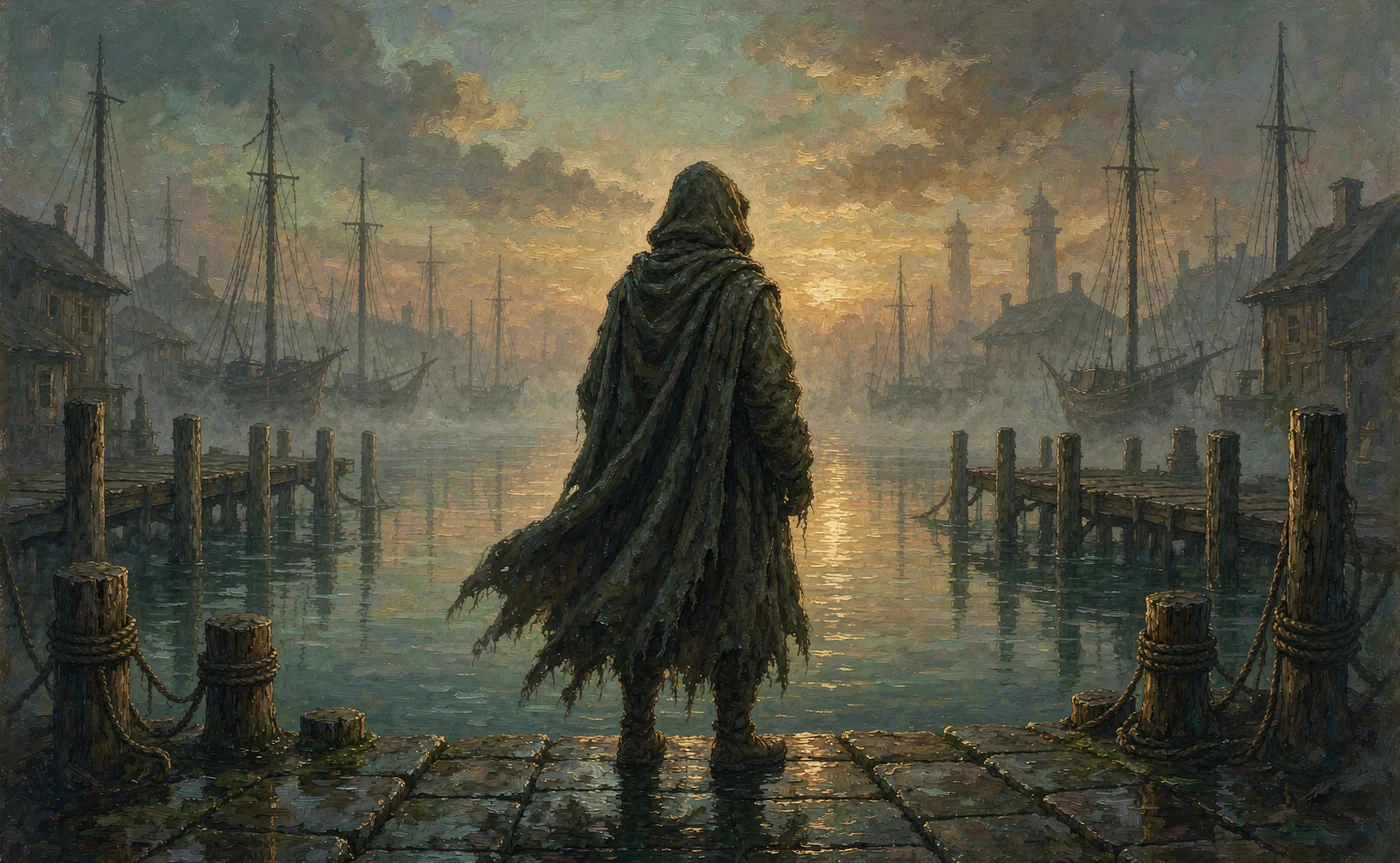
Readers recognise a series by a face before they read the title. That is why the hardest part of AI cover art is not making one beautiful image — it is making the fifth one look like it belongs to the same person as the first.
This guide covers the workflow that holds up over a series: how to build a character once, where to store it, which prompts to use per genre, and which mistakes are worth avoiding because they cost you a reprint.
Why character consistency matters more for writers than for anyone else
A single image is a design problem. A series is a brand problem.
Three places where drift costs real money:
- Storefront thumbnails. Amazon, Kobo and Royal Road show covers at roughly 200 pixels wide. At that size, readers identify a book by silhouette, palette and face shape. If book three has a different jawline, it reads as a different series.
- Ad creative. A three-book ad set with three different women on it converts worse than three frames of the same woman, because repetition is what signals "this is a series worth starting".
- Reader expectation. Your protagonist exists in the reader's head. Readers measure the cover against that mental image, and they notice when the cover contradicts itself between volumes.
None of this requires photorealism. It requires continuity.
What an AI character generator actually gives a writer
Think of it as a visual bible for a character who previously only existed in prose.
A usable setup has four parts:
- A reference set — three to six images of the same face from different angles, in consistent light.
- A written spec — the details you do not want the model improvising: hair length, eye colour, scars, build, age.
- A genre prompt recipe — the words that reliably produce the look your covers share.
- A naming convention — one folder per character, one file per angle.
The fourth item sounds like housekeeping. Six months into a series it is the difference between a rebuildable character and a lost one. IMG_2043.jpg tells you nothing. mara-profile-01.jpg tells you everything.
The workflow: design the face once, reuse it everywhere
Step 1 — Cast the character in a neutral frame
Start with text to image and describe the person, not the plot. You want a plain, evenly lit portrait where the face is large in frame and free of costume distractions.
A prompt that works: "portrait of a woman in her late twenties, sharp jaw, dark eyes, shoulder-length black hair, plain grey background, soft studio light, 85mm".
Generate six to ten candidates. Ignore the ones that are merely pretty; pick the one a reader would recognise in a thumbnail.
Step 2 — Generate the missing angles before you branch out
This is the step almost everyone skips. Take your chosen portrait into the AI Character Portrait Generator as a reference and render the same character as a three-quarter view and a profile, still on a plain background.
Why bother: a single front-facing reference teaches the model proportion but not depth. The three-quarter view is where the nose bridge and jawline get pinned. The profile fixes the silhouette that will carry your thumbnail.
Save all three. That trio is now your character.
Step 3 — Write the spec down and stop repeating it
Here is the counterintuitive rule: once you have a working reference set, stop describing the face in prompts.
The reference already carries identity. If you also write "silver hair, green eyes, high cheekbones" every time, those words compete with the images and the model splits the difference — which is exactly the drift you are trying to prevent.
Keep the spec in a text file for your own reference and for the rare case when the model needs a correction. Do not paste it into every prompt.
Step 4 — Add the scene, in the language of a photo shoot
Covers are shot briefs. Write them like one:
- Mara in a wet wool cloak, standing in a harbour at dawn, fog, overcast light, 35mm, muted teal grade
- Mara on a throne of black stone, torchlight from below, red velvet, painterly oil, dramatic chiaroscuro
- Mara running through a burning market, embers in the air, handheld, motion blur at the edges
Each line changes the world and keeps the person. That is the ratio you want: 80% scene, 20% style, 0% facial description.
Step 5 — Lock the grade across the series
Pick a look and keep it — "muted teal", "warm sepia", "high-contrast black and white". Medium and grade words are the cheapest consistency tool available, because they apply to every render regardless of content.
A series with a consistent grade forgives small identity drift. A series with no grade makes every drift obvious.
Step 6 — Render at print size
Book covers need pixels. A 1K render looks fine on a phone and falls apart at 1600×2560 (the common ebook ratio) or in a print wrap. Generate at 2K minimum, 4K if you plan a paperback, and keep the un-cropped original.
💡 Want to try this yourself?
Cast your protagonist, render three angles, then put them on a cover. Three images a day are free and no account is needed to test whether the face holds.
Build your character reference set →Genre prompt presets
These are starting points, not formulas. Swap the scene, keep the structure.
Fantasy
"the same character as a ranger, worn leather and moss-green cloak, standing at the treeline before dawn, mist, painterly realism, warm rim light"
Fantasy covers reward accessible silhouettes: cloak, staff, sword, hood. Give the model one strong shape and let the light do the drama. Avoid the "everything glows" trap — a single light source reads more cinematic than five.
Science fiction
"the same character in a battered flight suit, helmet under one arm, hangar bay at night, cold blue practical lights, anamorphic flare, cinematic still"
Sci-fi consistency comes from palette more than costume: cold blues, hard practicals, visible lens character. Reuse those three elements and the series reads as one universe even when the ships change.
Romance
"the same character in a linen shirt, golden hour on a balcony, soft backlight, film grain, warm skin tones, 85mm"
Romance covers are lit, not dressed. Golden hour, soft backlight and shallow depth of field do more work than any prop. Keep the face large — this genre sells expression.
Web novels and LitRPG
Web serials need volume: 20 chapters may mean 20 thumbnails. That argues for a simpler, flatter style with a bold silhouette, because it survives being scaled to a 200px list thumbnail. Cel-shaded or vector-adjacent looks hold up better than photoreal at that size.
Tabletop and D&D characters
"the same character as a half-elf warlock, tattered robe over scale mail, standing in a summoning circle, purple arcane light from below, full body, character sheet framing"
Players want a full-body sheet with readable gear. Render the face portrait first, then the full body with the same references — and expect to add one full-body reference image before the gear stops shifting.
Five mistakes that cost a series its continuity
- Mixing lighting in the reference set. Half indoor, half outdoor means the model guesses skin tone. Shoot or render references under similar light.
- One reference only. A single image gives you a face but no depth; ask for a three-quarter view and the model improvises a new person.
- Describing the face in every prompt. It re-rolls identity and fights your references.
- Rendering the cover before the character is stable. Iterate on a plain background until the face holds across three angles, then move to costume and scene.
- Not archiving prompts. The character is the reference set plus the recipe. Save both. A year from now you will not remember which grade made book two look right.
Working with real people and existing likenesses
If your character is based on a real person — a model for the cover, a co-author, yourself — get written permission before uploading their photos, and keep the reference set private.
Two things to avoid entirely: generating a likeness of a specific living actor or public figure for commercial use, and prompting for a named artist's style as a shortcut. Both create legal exposure that no cover is worth, and most model licences prohibit the second explicitly.
For fictional characters, you own the design decisions you brought: the reference set, the spec, the prompt recipe. Check your tool's terms for the licence that applies to the generated image itself.
FAQ
How many images do I need before a character is stable? Three angles — front, three-quarter, profile — in consistent light. Add one full-body shot if the character appears in wide or full-body covers.
Can I reuse one reference set across an entire series? Yes, and you should. Freeze the set and change only the scene prompt. Retire it only if the character's appearance changes in-story, and archive the old set rather than overwriting it.
Will AI make my cover look generic? Only if you let it. Generic covers come from generic prompts: "fantasy woman, magical, epic". Specific light sources, a specific grade, and a specific physical situation are what make a cover look art-directed.
Do I need to illustrate chapter art too? Not necessarily, but the same reference set makes it cheap. Interior art is usually a smaller frame, so render at higher resolution and crop rather than generating small.
What about hand-lettering and typography? Generate the art first, then set type in a design tool. Text inside generated images is unreliable and you cannot adjust kerning afterwards.
Can I sell books with AI-generated covers? That depends on your tool's licence and your retailer's policy. AIGenerate's paid tiers produce watermark-free images with usage rights under the underlying model licence; check current KDP and IngramSpark disclosure requirements before you publish.
Start with the face, not the cover
Every failed series cover traces back to skipping the boring part: three consistent reference images on a plain background. Do that once, properly, and the covers become a prompt-writing exercise instead of a face-matching one.
Build the reference set on the AI Character Portrait Generator, then read the FLUX consistency guide for the prompt-level details that keep a character stable across dozens of shots.
Keep reading
Oct 26, 2026
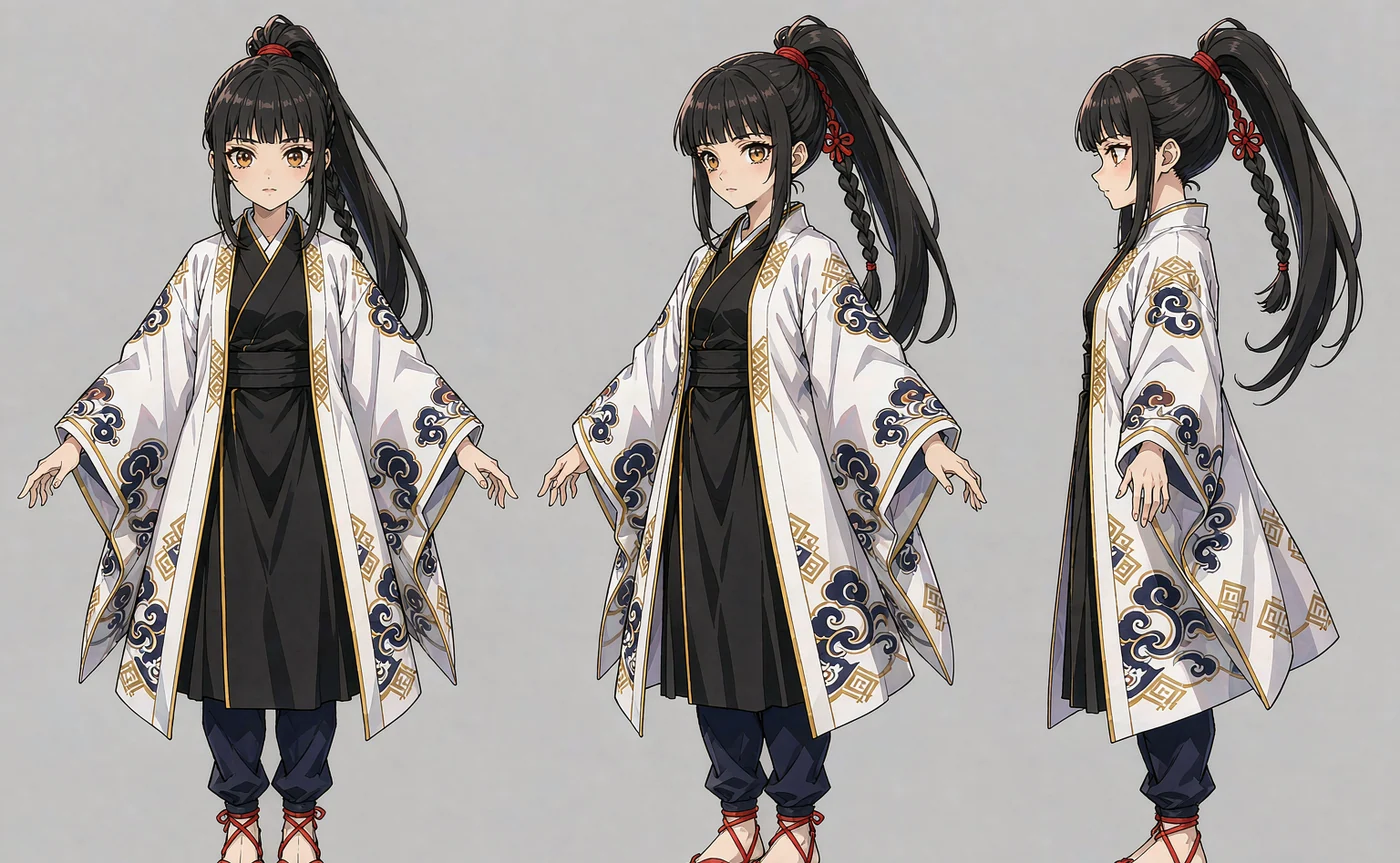
The Ultimate AI OC Maker Guide: Design Original Anime Characters in Seconds
Design an original anime character without drawing skills — concept, prompt recipe, five worked examples with settings, and how to keep the same face across outfits and angles.
Read guide
Oct 22, 2026
How to Use a Free AI Image Generator Online Without Creating an Account
Most free AI image tools ask for an email before you see a pixel. Here is what anonymous generation actually gives you, what it does not, and when signing up is worth it.
Read guide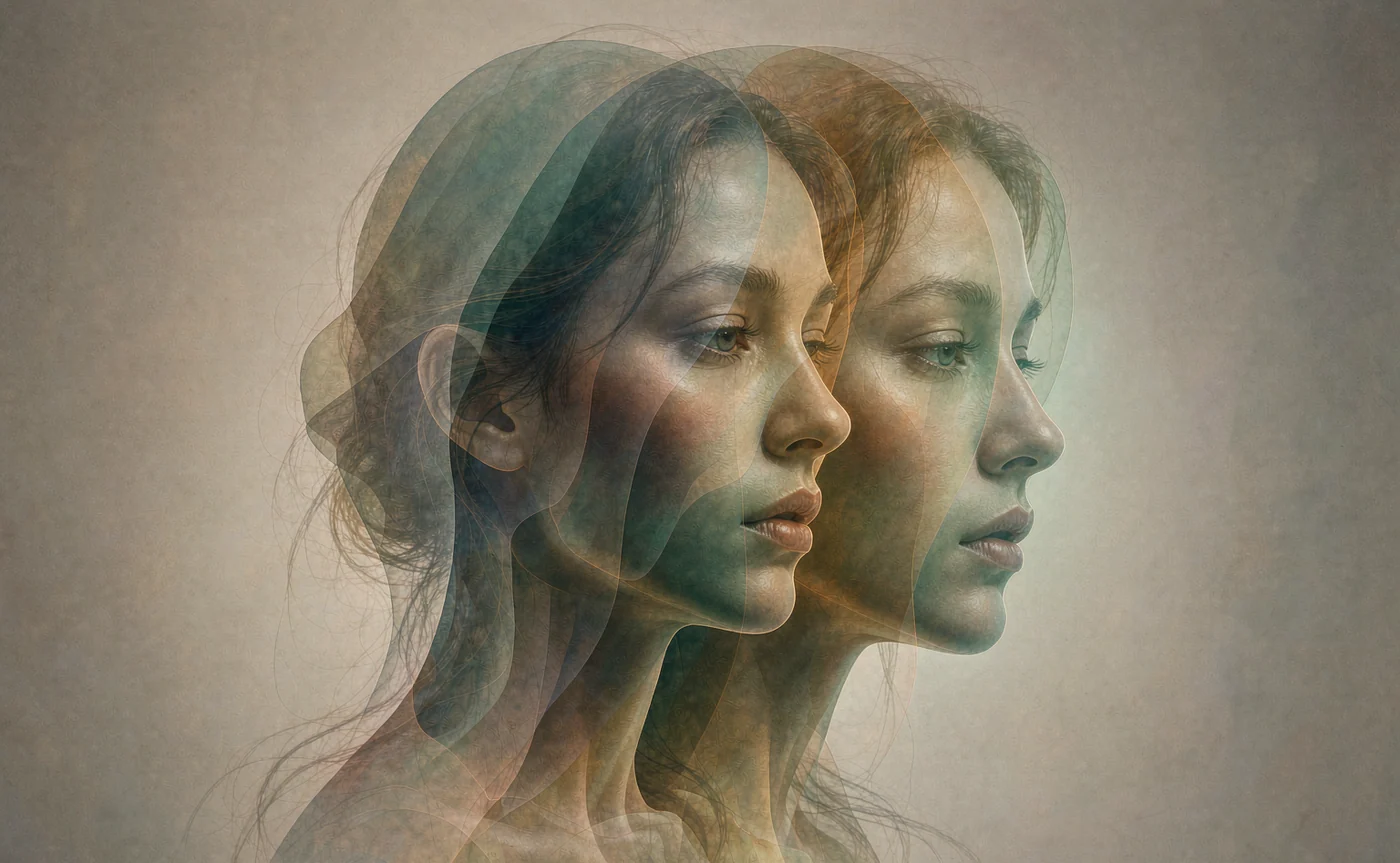
Oct 29, 2026
7 Best Artbreeder Alternatives for AI Character Design in 2026
Artbreeder's gene sliders are still fun, but they can't hold a character across scenes. Seven alternatives compared on face consistency, speed and price.
Read guide