Beginner's Guide to AI Drawing: 30 Prompts That Produce Instant Magic
Prompting is a grammar, not a spell. The four-part anatomy that works every time, 30 copy-ready prompts across four styles, and the mistakes that make beginners quit.
AI drawing has no pencil. You write a sentence, the model returns an image, and the sentence is the only drawing instruction it gets — which is why two people using the same tool get wildly different results.
The good news is that prompt writing is a learnable grammar with about four parts. Once you can identify which part is missing from a disappointing image, you stop guessing and start adjusting.
What AI drawing is, and how prompting actually works
AI drawing means generating an illustration from a text description using a diffusion model. The model has seen an enormous number of image-and-caption pairs, so it has learned which visual patterns tend to accompany which words.
Your prompt does not describe an image so much as select a region of what the model already knows. "A cat" selects a huge region. "A tabby cat asleep on a stack of books, warm window light, 50mm" selects a small, specific one — and specific is where quality lives.
Three things follow from that, and they explain most beginner frustration:
- Vague prompts get average results. Not bad results — average ones. The model returns the centroid of the category.
- Negations barely work. "No trees" tends to summon trees, because the word is in the prompt. Describe what should be there instead.
- Order matters a little, specificity matters a lot. Put the subject first, then the conditions.
The anatomy of a prompt that works
Four slots, in this order. Every prompt below follows it.
Subject — who or what, plus one action or state. "A woman in a red coat, walking away". Light — source and direction. "Backlit by a low sun, long shadows". Style — medium and treatment. "Photoreal, 35mm film, muted grade" or "flat vector, thick outlines". Framing — distance, angle, aspect ratio. "Wide shot, eye level, 16:9".
A complete prompt:
"a woman in a red coat walking away, backlit by a low sun, long shadows, photoreal 35mm film, muted grade, wide shot, eye level"
That is 26 words and it will produce something specific. The 30 prompts below are variations on this skeleton, grouped by what they teach.
8 landscape and environment prompts
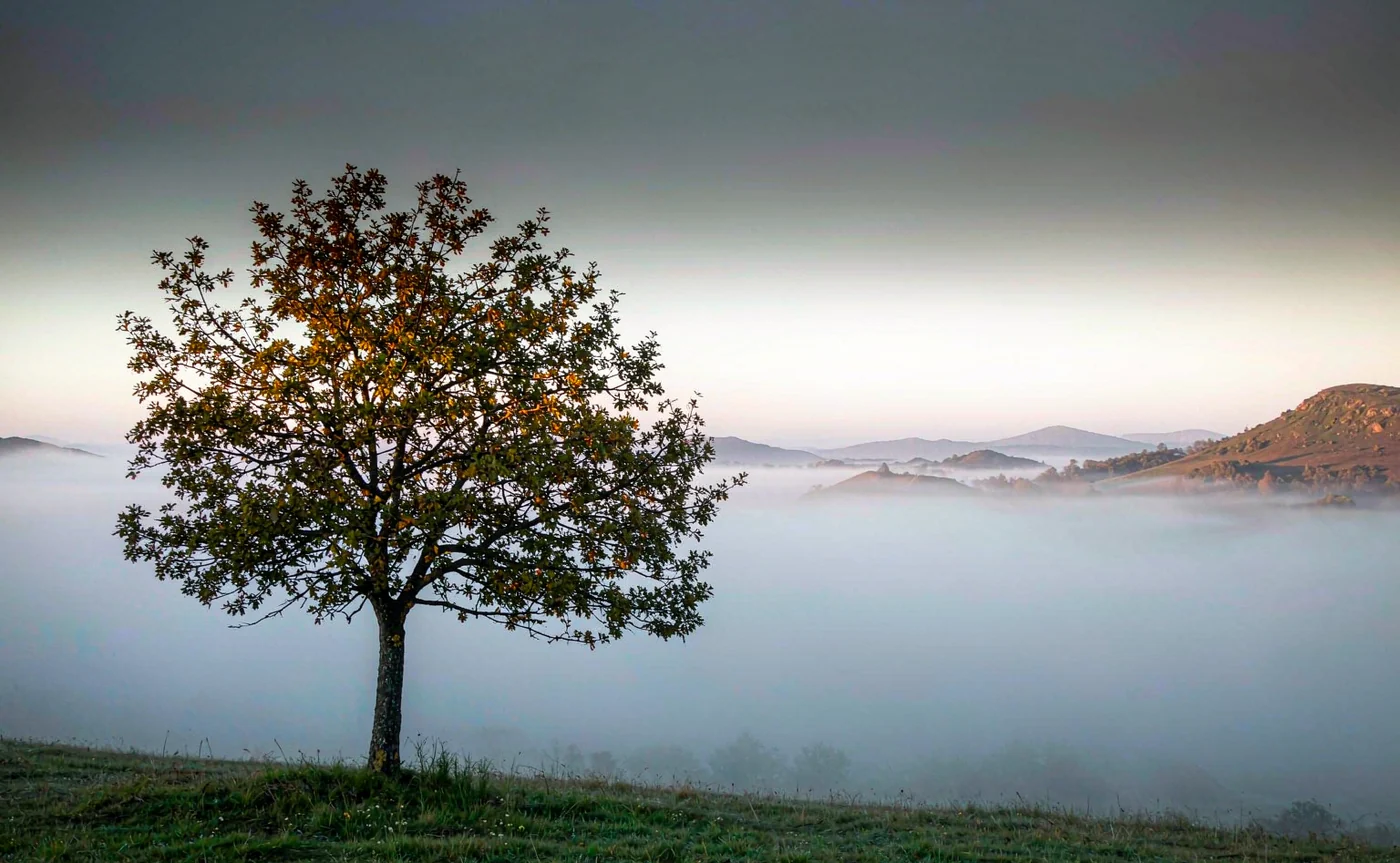
- a single oak on a hill, fog in the valley below, first light from the right, photoreal, 35mm, wide shot
- a rocky coastline at dusk, long exposure water, deep blue hour grade, 24mm, low angle
- a wheat field before a storm, dark clouds overhead, warm light on the horizon, painterly realism, 16:9
- a narrow street in an old town, wet cobblestones, gas lamps just lit, rain, cinematic teal and amber
- an alpine lake reflecting a single peak, still water, midday haze, high detail, 4:3
- a desert dune ridge, hard sun, one set of footprints, minimal composition, warm sand grade
- a lighthouse in heavy surf, storm light, spray in the air, dramatic, 35mm
- a snow-covered pine forest at blue hour, mist between trunks, muted palette, panoramic
8 cyberpunk and night prompts
- a rain-soaked alley, neon signage in magenta and cyan, steam from vents, reflections on asphalt, cinematic
- a rooftop overlooking a megacity, dense lights to the horizon, low fog, 24mm, anamorphic flare
- a street food stall at night, warm tungsten bulbs, steam, crowd blurred behind, 50mm, shallow depth of field
- a monorail crossing a neon district, long exposure light trails, cool grade, wide shot
- a lone figure under a broken holographic billboard, violet and green light, rain, 85mm
- an underground market, hanging cables, red practical lights, crowded, cinematic anime style
- a flooded underpass lit by sodium lamps, still water, single figure walking, muted orange
- a rooftop bar at 2am, string lights, city haze, warm and cold mixed light, 35mm
8 portrait and character prompts
- an older fisherman, weathered skin, yellow oilskin, harbour light, overcast, 85mm portrait
- a young dancer backstage, arms raised, single bare bulb, deep shadows, black and white, 85mm
- a chef in a steamy kitchen, white apron, warm overhead light, close crop, 50mm
- a traveller in a dusty cloak, desert light behind, rim light on the hood, cinematic, 85mm
- a violinist with closed eyes, spotlight from above, black background, warm rim light
- an astronaut without a helmet, ship interior, cold blue practical lights, reflective surfaces, 50mm
- a librarian among tall shelves, dust in a sunbeam, soft window light, muted palette
- a boxer between rounds, taped hands, locker room bulb, sweat highlights, high contrast, 85mm
6 cute animal and whimsical prompts
- a red fox curled on a mossy log, soft morning light, shallow depth of field, photoreal, 85mm
- a corgi in a tiny raincoat, puddle reflection, overcast light, cute but not cartoonish, 50mm
- a hedgehog holding a tiny lantern, forest floor, warm glow, storybook illustration style
- a cat asleep on a stack of old books, warm window light, dust motes, cozy, 50mm
- two ducklings on a wet pavement, reflections, soft daylight, low angle, shallow focus
- a bear cub sitting in a meadow, backlit fur, golden hour, telephoto compression, 200mm
💡 Want to try this yourself?
Paste any of these prompts into the generator and watch the difference a light direction makes. Three images a day are free, no account needed.
Draw your first AI image →Six mistakes that make beginners quit
1. Describing the subject and nothing else. "A beautiful landscape" returns a stock-photo average. Name the light, the lens and the time of day.
2. Using superlatives instead of specifics. "Masterpiece, ultra-detailed, 8K" adds almost nothing. "Wet cobblestones reflecting a single gas lamp" adds everything.
3. Stacking contradictions. "Soft harsh light", "minimalist with rich detail", "empty busy street". The model resolves them by ignoring one, and you learn nothing about which.
4. Writing negations. "No people, no trees" puts people and trees in the prompt. Say "empty, bare rock, still water" instead.
5. Ignoring aspect ratio. A portrait composition cropped to 16:9 loses the head. Set the ratio before you generate, not after.
6. Changing five things at once. If you rewrite the entire prompt after a bad result, you cannot tell which change fixed it. Change one slot per iteration — that is how the grammar becomes intuitive.
Building prompts you can reuse
The fastest way to improve is to keep a file of prompts that worked, with the parts labelled. Not to copy prompts from lists like this one, but to notice which slot your failures are missing.
Most beginner prompts are missing light. A single phrase — "single window light from the left" — improves nearly every interior image more than any style adjective. After that, framing: naming the focal length is shorthand for a whole set of visual decisions the model already understands.
If your subjects are characters you want to reuse, prompting is only half the workflow. Identity has to come from reference images; the FLUX character consistency guide explains why and how.
FAQ
How long should an AI drawing prompt be? Twenty to forty words. Long enough to fill subject, light, style and framing; short enough that the instructions do not compete.
Do keywords like "4K" or "masterpiece" help? Barely. They are weak signals compared to concrete description. Replacing them with a light direction and a lens choice improves results more reliably.
Why do my images look like stock photos? Because the prompt described a category rather than a moment. Add a specific time of day, a specific light source, and one human detail — a wet street, a chair pulled out, steam.
Can I generate anime and photoreal with the same prompt structure? Yes. Only the style slot changes: "clean cel shading" versus "photoreal 35mm". The other three slots behave the same way.
What is the best aspect ratio for beginners? 1:1 while learning, because it removes cropping decisions. Move to 3:4 for portraits and 16:9 for scenes once you have a feel for framing.
Can I use these prompts commercially? The prompt text is free to use. The images follow your plan's licence, and you remain responsible for not prompting a specific living artist's style or a real person's likeness for commercial use.
Draw the picture in words first
Before you type, say the image out loud: subject, light, style, framing. If you cannot, the prompt is not ready — and no amount of rerolling will fix a description that does not describe anything.
Open text to image, paste one prompt from this list, then change exactly one slot and render again. That side-by-side comparison is the whole lesson, and it takes about ninety seconds.
Keep reading
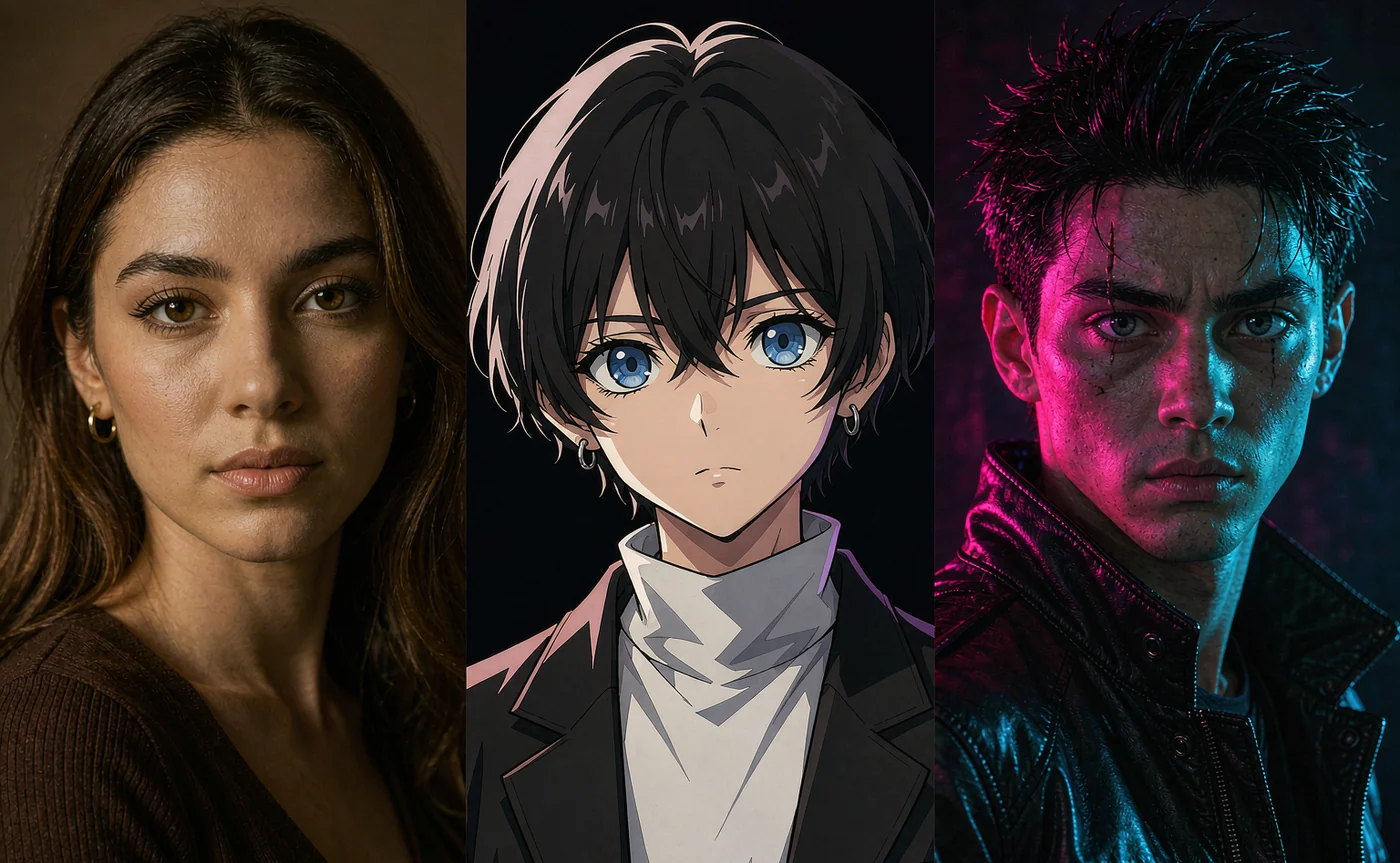
Oct 25, 2026
50+ Best Prompts for AI Character Portrait Generator (Anime, Realism & Cyberpunk)
Copy-ready portrait prompts grouped by style — 20 cinematic realism, 15 anime and fantasy, 10 cyberpunk, 5 duo shots — plus the formula that makes any of them repeatable.
Read guide
Oct 29, 2026
7 Best Artbreeder Alternatives for AI Character Design in 2026
Artbreeder's gene sliders are still fun, but they can't hold a character across scenes. Seven alternatives compared on face consistency, speed and price.
Read guide
Oct 28, 2026
How to Keep Character Consistency in FLUX.1: The Complete Guide
Faces drift because a seed is not an identity. Every method that actually locks a face in FLUX — PuLID, InstantID, FaceID, LoRA — and the reference workflow that needs no node graph.
Read guide